
When using the MYOB integration, Abtrac treats all Clients as organisations. While you can enter an individual’s name as the Client Name in Abtrac, the integration does not distinguish between companies and individuals in the same way that MYOB does.
This article explains how individual customers are handled when creating or matching customers in MYOB.
How Abtrac Treats Clients
In Abtrac, all Clients are assumed to be organisations.
If you wish to use an individual’s name as the Client Name, you can do so, however Abtrac will still treat the record as a standard client.

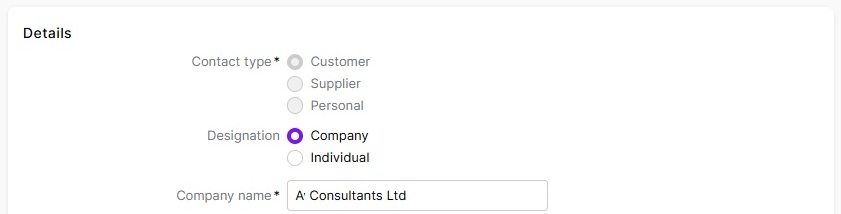
Abtrac shares Clients to MYOB Company Customers
Sharing Customers using Abtrac’s Client Synchronisation
When using the Synchronise Clients function, Abtrac always creates new customers in MYOB as Company customers.
Individual customer records are not created in MYOB through Abtrac’s Client synchronisation – regardless of the naming convention in Abtrac.

Sharing Customers via the Upload Invoice option (Create Accounting Batch)
When an invoice is uploaded from Abtrac to MYOB, the integration attempts to find an existing customer match.
The matching behaviour depends on your Match Client Rule setting:
- Client Name – matches against the Client Name in Abtrac.
- Name on Invoice – matches against the Name on Invoice field in Abtrac.
If no matching customer is found in MYOB, Abtrac can create a new customer record.

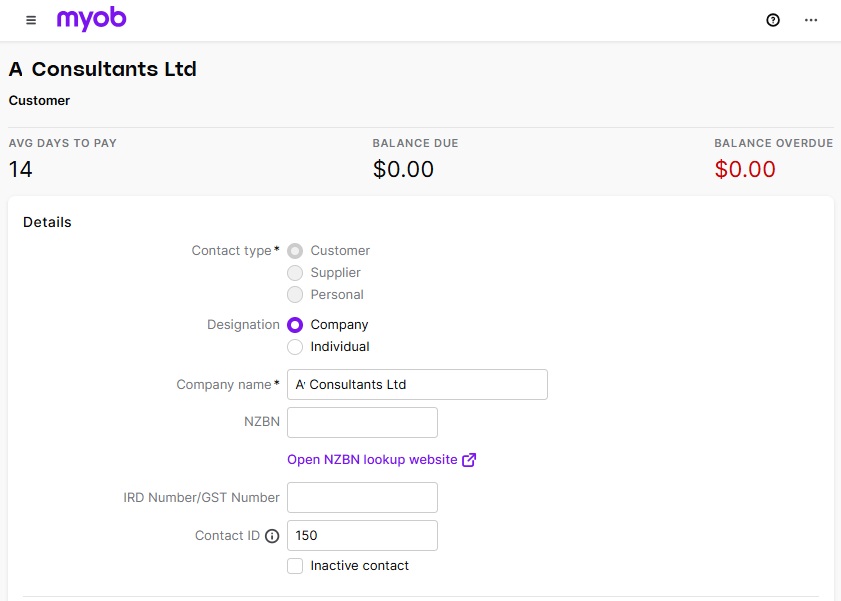
Regardless of the matching rule selected, any new customer created by invoice upload will be created in MYOB as a Company customer.
How to share Abtrac Clients as MYOB Individual Customers
You cannot share Abtrac Clients as Individual customer in MYOB using Abtrac’s Client synchronisation menu.
When using the Synchronise Clients function, Abtrac always creates new customers in MYOB as Company customers.
Invoice Upload Matching
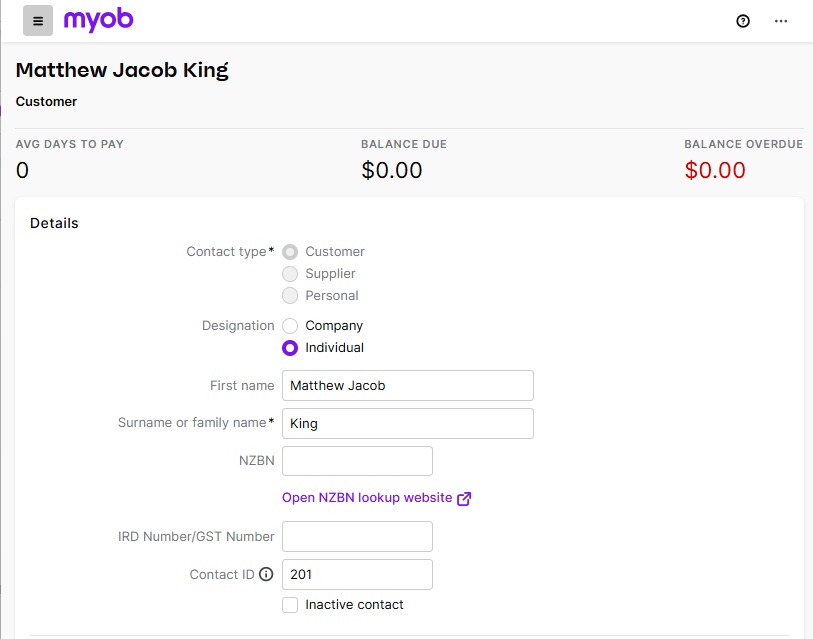
If a customer already exists in MYOB as an Individual, Abtrac can match the customer during invoice upload provided the client name in Abtrac follows MYOB’s naming convention.
Enter the client name in Abtrac as: Surname, First Name
For example: King, Matthew Jacob
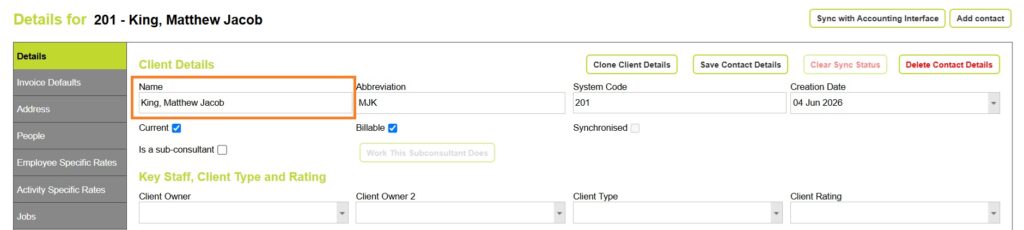
If the individual has multiple given names, ensure the surname remains separated from the given names with a comma.
This allows Abtrac to identify the corresponding MYOB Individual customer record during invoice upload.
Set your MYOB Interface Preference
From Accounting > Interface Settings ensure you can match by either Client Name, or Name on Invoice.
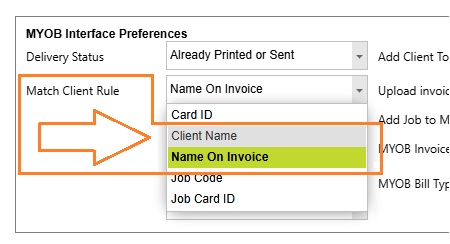
Provided the Client Name in Abtrac is in the correct format, MYOB will accept the record as an Individual Customer.
| Client Name | Name on Invoice | Matching Rule | Match MYOB Customer as Individual |
|---|---|---|---|
| King, Matthew | Matthew King | Client Name | Yes |
| Matthew King | Matthew King | Client Name | No |
| King, Matthew | Matthew King | Name on Invoice | Yes |
| Matthew King | King, Matthew | Name on Invoice | No |
Abtrac KB # 2233